
Florida Arrest to Court Record
A Florida jail arrest starts as a custody event before it becomes a court file. The first public trail is often the county jail booking record, which may show the booking date, booking number, arrest charge text, bond, housing, release status, or a hold. That record belongs with the sheriff, county corrections department, or county public-records custodian. The court record starts when the criminal case is opened in the county where the case is filed. The practical route is arrest, booking, first appearance, prosecutor review, filed charges, docket events, hearings, disposition, and any sentence or supervision record.
That order matters because jail charge text and filed court charges can differ. A jail roster entry may use arrest wording entered at intake. A clerk docket may later show an information, complaint, indictment, amended count, dismissal, plea, verdict, or sentence. For the custody side of the same event, use Florida jail inmate records. For booking photos and roster images, use Florida jail rosters and mugshots. For the court side, use the clerk of court in the county where the case was filed.
Florida's statewide court filing structure is shown by the Florida Courts E-Filing Authority, the research source for statewide e-filing portal and clerk-governance context.
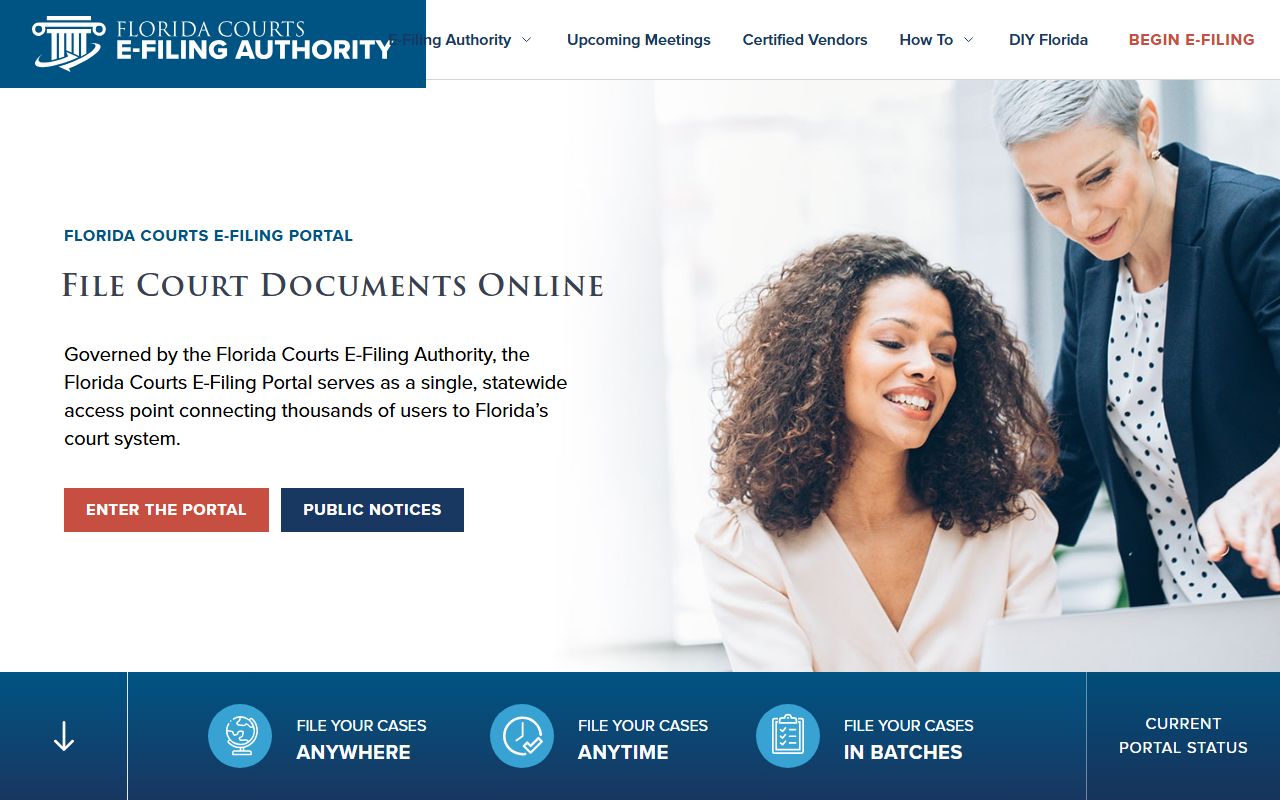
The e-filing screenshot helps separate Florida's statewide filing infrastructure from the county clerk searches that still handle most trial-court criminal records after an arrest.
Process: Arrest to booking to first appearance to filed charges to clerk docket, with jail custody and court case records maintained in separate lanes.
Florida Clerk Court Routing
Florida does not have one simple public trial-court search that replaces all 67 county clerk sites for criminal case detail. The statewide research identifies three different court access layers. ACIS, the Florida Appellate Case Information System, provides statewide appellate case search. The Florida Courts E-Filing Portal is a statewide filing and registered-user system. CCIS, the Comprehensive Case Information System, is a secured single point of search for statewide court case information from Florida Clerks of Court, but public access is more limited than the public county clerk sites.
For most Florida court records after a jail arrest, the county clerk remains the practical starting point. Identify the arrest county or the county named in the booking record, then search that clerk's criminal case system. In large counties with several jail buildings, the booking facility may not be the courthouse source. The clerk route follows the filed case, not the bed where the person was held. If the case later reaches an appellate court, ACIS becomes the statewide route for appellate dockets and available documents.
The ACIS case-search portal is the successful statewide appellate court screenshot source in the Florida manifest.
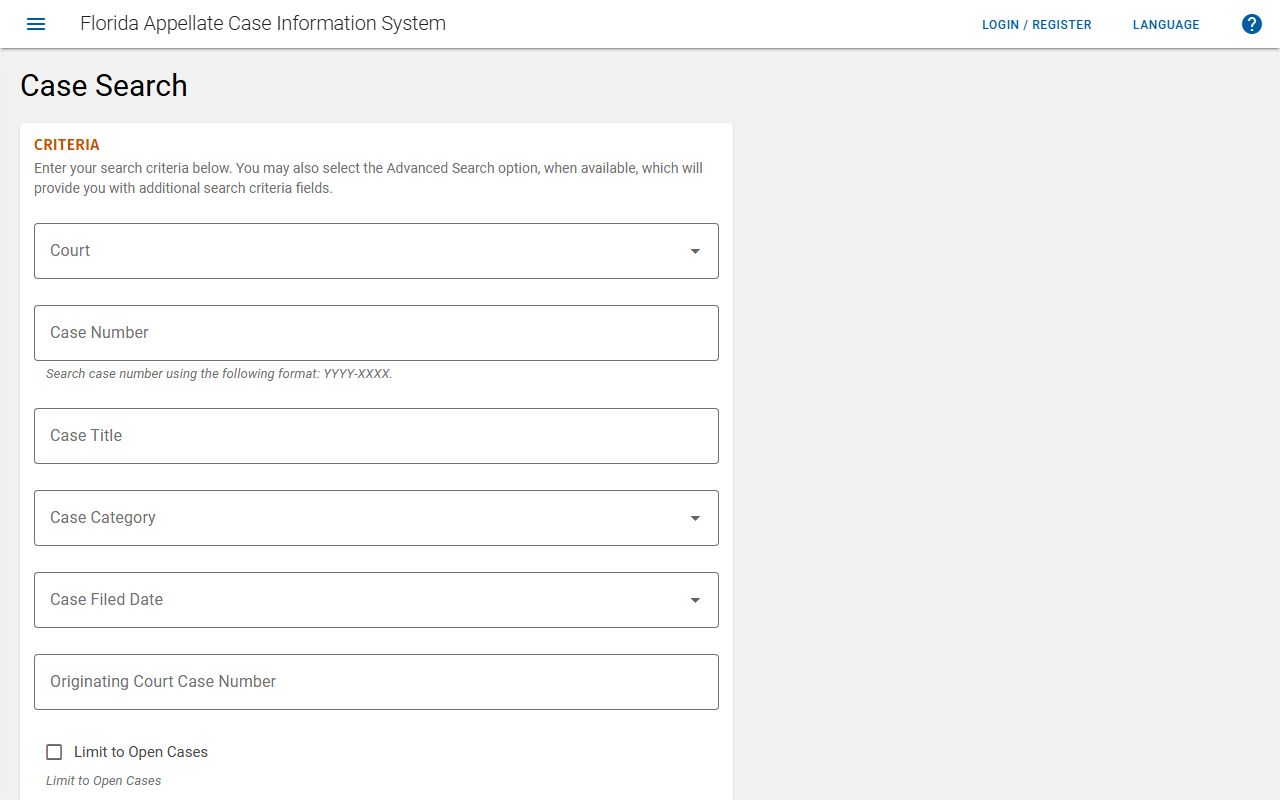
The ACIS image fits appellate court records after arrest, while the day-to-day trial-court file still routes to the county clerk where the criminal case was filed.
| Florida source | Best use after arrest | Limit |
|---|---|---|
| County clerk | Trial-court criminal case, filed charges, docket events, hearings, disposition, and sentence entries. | Searches are county based, so the right county matters. |
| ACIS | Statewide appellate dockets and available appellate documents. | It is not the public search for every local trial-court arrest case. |
| E-Filing Portal | Statewide filing and registered-user filing context governed by the clerks and Supreme Court clerk. | It is not a universal public criminal docket search. |
| CCIS | Secured statewide case-information search concept from Florida Clerks of Court. | Public access is limited compared with county clerk portals. |
Find Florida Arrest Court Records
The search method is a routing problem before it is a name search. Start with the county of arrest, the booking county, or the county named on a notice to appear, bond paperwork, court notice, or clerk record. If a county jail roster still lists the person, compare the roster charge text against the clerk case once the case appears. If the person is no longer in jail, the court record may still show what happened to the filed charge.
- Identify the county where the arrest happened or where the criminal case was filed.
- Open the county clerk's public criminal case search, or use the Florida county directory to route down to the correct county record page.
- Search by name first when no case number is known, then narrow with date of birth, filing date, or charge clues when the clerk allows those fields.
- Use the case number from a jail roster, bond document, notice, or docket entry when available.
- Check ACIS only if the case has an appellate lane or appellate docket activity.
- Compare the clerk's filed charges with the jail inmate record, because booking charges can be revised after prosecutor review.
Florida VINELink is useful when the needed result is a custody or case notification, not a full court file. VINELink describes Florida VINE as a free, secure, confidential way to access custody status and criminal case information, find state-approved service providers, and register for notifications. Local Florida VINE pages in the research describe web registration and phone registration, and they note that registration is optional and anonymous but needed for automatic notices.
The Florida VINELink page is the manifest source for statewide custody and case notification access.
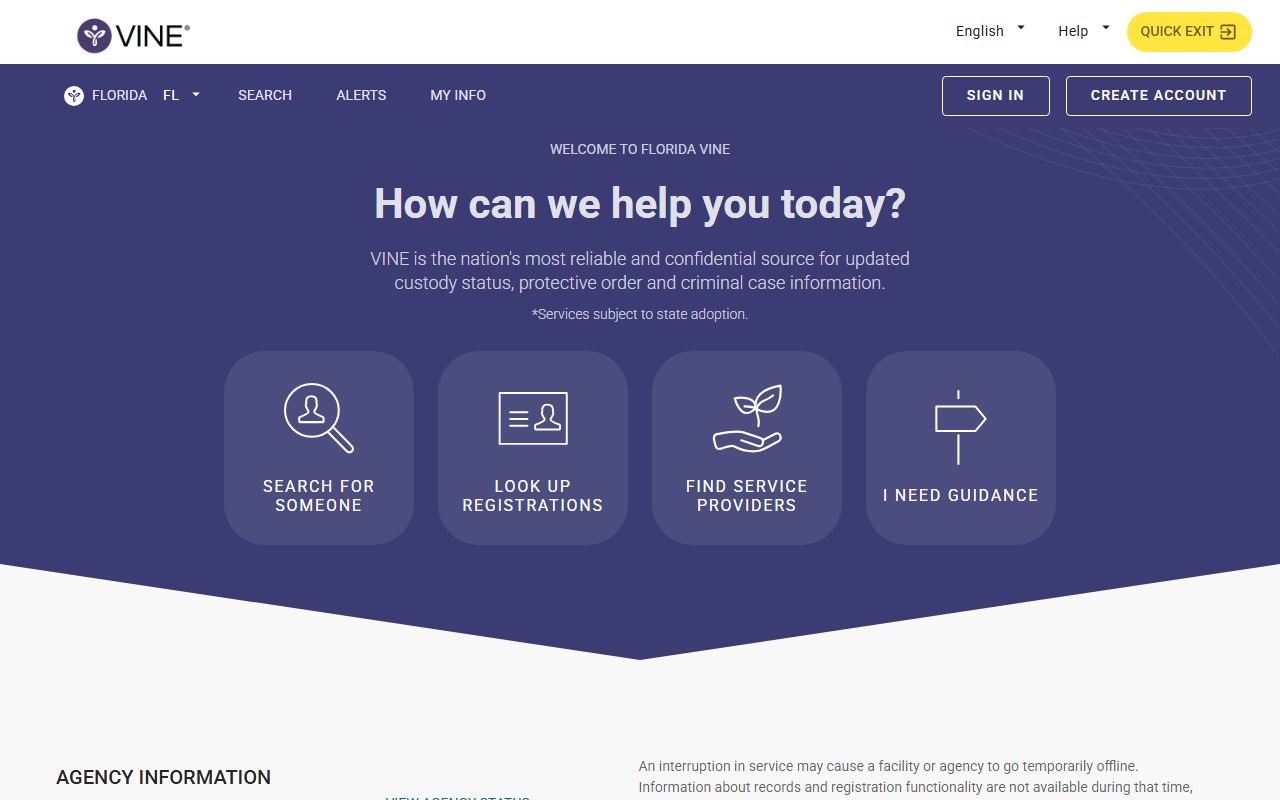
The VINELink screenshot belongs in the court-after-arrest workflow because notifications can supplement the clerk docket and jail roster, but they do not replace either record system.
| Search field | Where it helps |
|---|---|
| Name | County clerk sites, jail rosters, ACIS, FDC, BOP, and ICE all use name in some form. |
| Case number | Best for clerk dockets once a court case has been opened. |
| Booking number | Best for the jail record and useful when asking a county jail for booking material. |
| DC number | Best for FDC records after a person enters state prison or state supervision. |
| A-number or federal number | Best for ICE or BOP searches when the custody path leaves Florida local systems. |
Charging Documents in Florida
The court record after a Florida arrest is built from filings, not just from the arrest event. A booking record can show the charge used to admit the person into jail. The filed court record may show a charging document that narrows, changes, adds, or drops counts. Florida research for the statewide site emphasizes that the clerk's criminal case may show charges, plea, sentence, judgment, and docket events, while FDC shows state-prison or state-supervision status after a qualifying sentence enters FDC systems.
Three charging-document labels are common enough to define in plain terms. The exact form and timing depends on the case and court record, but the distinction helps prevent one of the most common mistakes in court records after a jail arrest: treating a booking charge as a final court result.
| Document | What it does | Why it matters |
|---|---|---|
| Complaint | Starts or supports a criminal accusation in the early case path. | It may be tied closely to the arrest and first court appearance. |
| Information | States the prosecutor's filed charge or counts. | It can differ from the jail booking charge after review. |
| Indictment | States charges returned through a grand-jury process. | It is a filed court charge source, not a booking roster field. |
When a charge seems to disappear, look for the docket event rather than assuming the arrest record was wrong. The case may show dismissal, nolle prosequi, amendment, transfer, consolidation, plea, or judgment. Nolle prosequi means the prosecutor declined to proceed on the charge. A dismissal or nolle prosequi is not the same as a conviction.
Charges Versus Convictions
A charge is an accusation or count in the booking or court file. A conviction is a judgment that follows a plea or verdict. The Florida research states the point directly for supporting legal pages: an arrest is not a conviction. That rule should guide every post-arrest court record search. A jail record may show that a person was arrested and booked. A court record may show that prosecutors filed a charge. Neither fact alone proves the person was convicted.
The distinction is also practical for custody status. A person may remain in the county jail before trial, post bond, be held on a no-bond count, move to another jurisdiction, enter FDC after sentencing, or appear in a federal or ICE system if the custody route changes. The clerk docket can show the court case events. The jail roster can show current custody or release status. FDC, BOP, ICE, and VINE each answer different questions.
| Record term | Plain meaning | Do not assume |
|---|---|---|
| Arrest | Law enforcement took the person into custody or issued an arrest-related charge path. | Do not treat it as proof of guilt. |
| Booking charge | The jail intake charge text shown on a roster or booking profile. | Do not treat it as the final filed court charge. |
| Filed charge | The prosecutor's count or case filing shown in the clerk record. | Do not treat it as a conviction until judgment appears. |
| Disposition | The case result or charge outcome entered by the court. | Do not infer details that the docket does not show. |
| Conviction | A judgment after plea or verdict. | Do not apply it to dismissed or pending charges. |
The FDC offender network is relevant only when the record moves into the state corrections lane after sentencing or supervision. The FDC Corrections Offender Network menu shows separate public search tools for inmate population, release, escape, supervised population, and absconders.
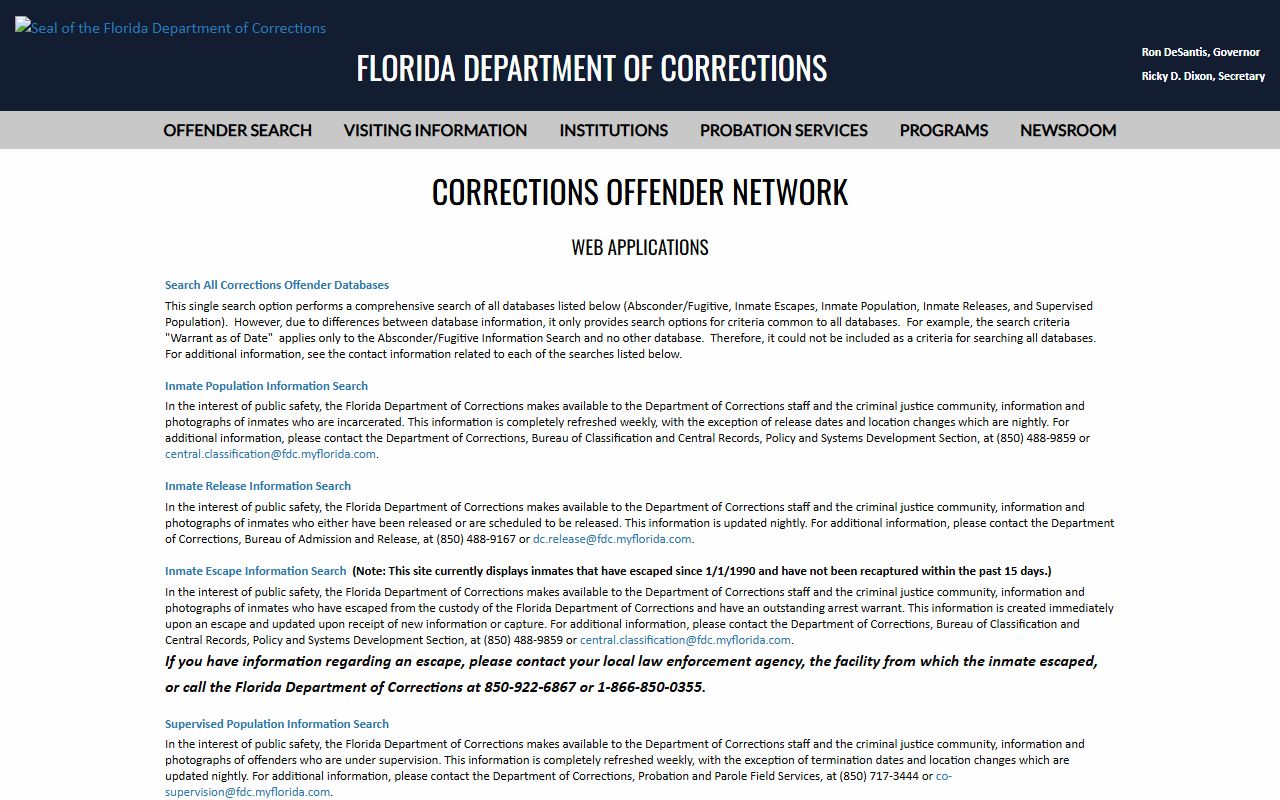
The FDC menu screenshot reinforces that state-prison and supervision records are separate from county jail booking records and county clerk court records after an arrest.
Bond and Custody Holds
Bond and release information may appear in the jail roster, the court docket, or both. The county jail record often carries the most immediate custody status because jail staff process booking, housing, release, and holds. The clerk record may show bond orders, first appearance outcomes, court dates, and later changes. A person can have a bond amount on one count and still remain in custody because of a no-bond hold, federal hold, ICE hold, violation matter, warrant, or hold for another jurisdiction.
Florida county and municipal detention facilities sit under a statewide standards and reporting framework. Section 951.23 defines county and municipal detention-facility concepts, requires operators to adopt standards at least as strict as the Florida Model Jail Standards, and requires population information to be reported to FDC through the statutory reporting instrument. Those FDC monthly county detention reports are population and profile reports, not real-time rosters.
The Florida county and municipal detention facility statute is the manifest source for detention standards and reporting context.
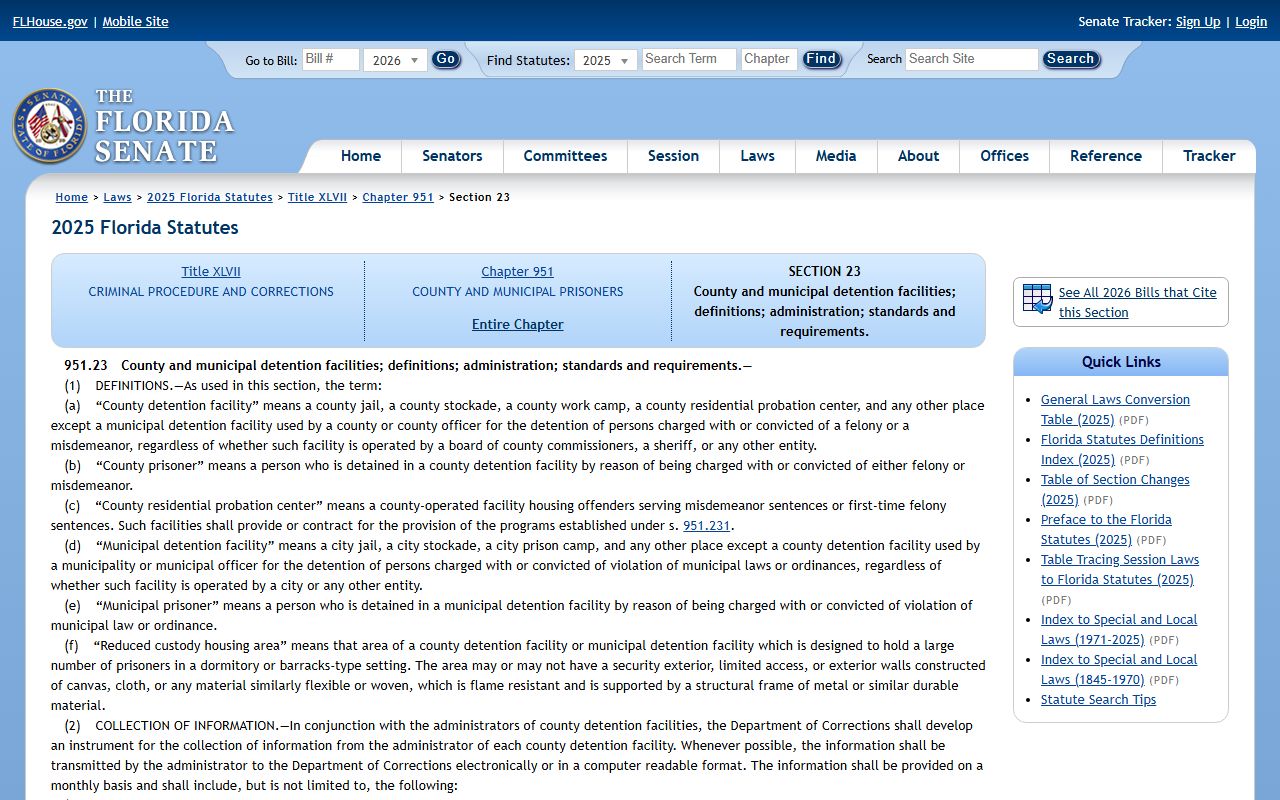
The statute screenshot ties bond and custody-hold questions back to the local jail systems that produce booking records while operating within Florida's statewide detention framework.
- Bond
- A court-controlled release condition that may be reflected in both jail and clerk records.
- Hold
- A custody reason that may prevent release even when another charge has a bond amount.
- First appearance
- An early court event after arrest where custody, bond, and next-case routing may be addressed.
- Detainer
- A request or notice from another authority that may affect custody transfer or release.
Verify release eligibility with the county jail or county clerk. Public records can lag, and a roster may not show every legal reason that a person remains in custody.
Sealed and Expunged Records
Florida public-records access is broad under Chapter 119, and section 119.07 is the core inspection and copying provision cited in the research. Broad access is not the same as complete access. Exemptions and court rules can restrict sealed and expunged records, juvenile information, victim information, active investigative material, confidential health or security information, certain images, protected addresses, and other categories created by statute or court rule.
For court records after a jail arrest, a sealed or expunged case can change what appears in a public clerk search, what a jail or agency can release, and whether a record can be viewed online. The county clerk is the key court-record custodian for the case file. The county jail or sheriff may still be the custodian for booking material. FDC, BOP, ICE, and other agencies remain separate custodians for records they create.
| Access status | What it means for public search | Where to verify |
|---|---|---|
| Public | Nonexempt records may be inspected or copied under public-records rules. | County clerk, county jail, or the agency that holds the record. |
| Sealed | Public access is restricted, but the record may still exist for limited authorized use. | County clerk and court order source. |
| Expunged | Public access is more limited and the ordinary public search may not show the case. | County clerk and responsible record custodians. |
| Exempt or redacted | Some information may be withheld or blacked out even when a record exists. | The custodian should identify the exemption when material is withheld. |
Public-record requests should identify the person, date range, record type, and agency likely to hold the record. For court records after arrest, ask the clerk for the docket, filings, disposition, and sentence entries. For jail records, ask the sheriff or county corrections department for booking records, jail logs, mugshot records, and release data. For state-prison sentence and classification records, use FDC records channels.
Florida Court Record Checklist
A careful Florida arrest court record search uses more than one source because no single statewide portal covers every stage. County jail records show the custody side. County clerk records show the trial-court case. ACIS shows appellate activity. The e-filing portal shows statewide filing infrastructure and registered-user context. CCIS is a secured statewide case-information system with more limited public access. FDC, BOP, ICE, and VINELink handle separate custody or notification lanes.
- Use the county jail roster for current custody, booking charge text, bond, release status, holds, and links to the local booking profile.
- Use the county clerk for filed charges, case number, docket events, hearings, plea, disposition, judgment, and sentence entries.
- Use ACIS for appellate dockets and available appellate case documents.
- Use VINELink for custody or case notification, not as a complete booking-record archive.
- Use FDC only for sentenced Florida state prisoners, state supervision, releases, escapes, supervised population, or absconder records.
- Use BOP or ICE when the custody path is federal prison or immigration detention.
Florida's key statewide caution is simple: state prison is not county jail, and appellate search is not the same as county trial-court search. Court records after a jail arrest are most accurate when the booking record, clerk docket, and custody channel are checked in the correct order.