
Florida Mugshots by County
Florida jail mugshots are local booking records, not a single statewide product. A booking photo is usually taken during county jail intake, and the county sheriff or county corrections department decides what appears in the public roster, what stays in the internal jail file, and what must be requested from the custodian. Some counties publish a photo on the active inmate profile. Others publish limited profile data, remove older bookings, or restrict records because of legal status.
Statewide law still matters. Florida's public-records framework is broad, and county and municipal detention facilities operate within statewide standards and reporting rules. That framework does not mean every booking photo is displayed online. It means the record should be routed to the agency that holds it, with exemptions considered when the custodian responds.
The Florida detention-facility statute gives the statewide county and municipal jail context behind local roster records.
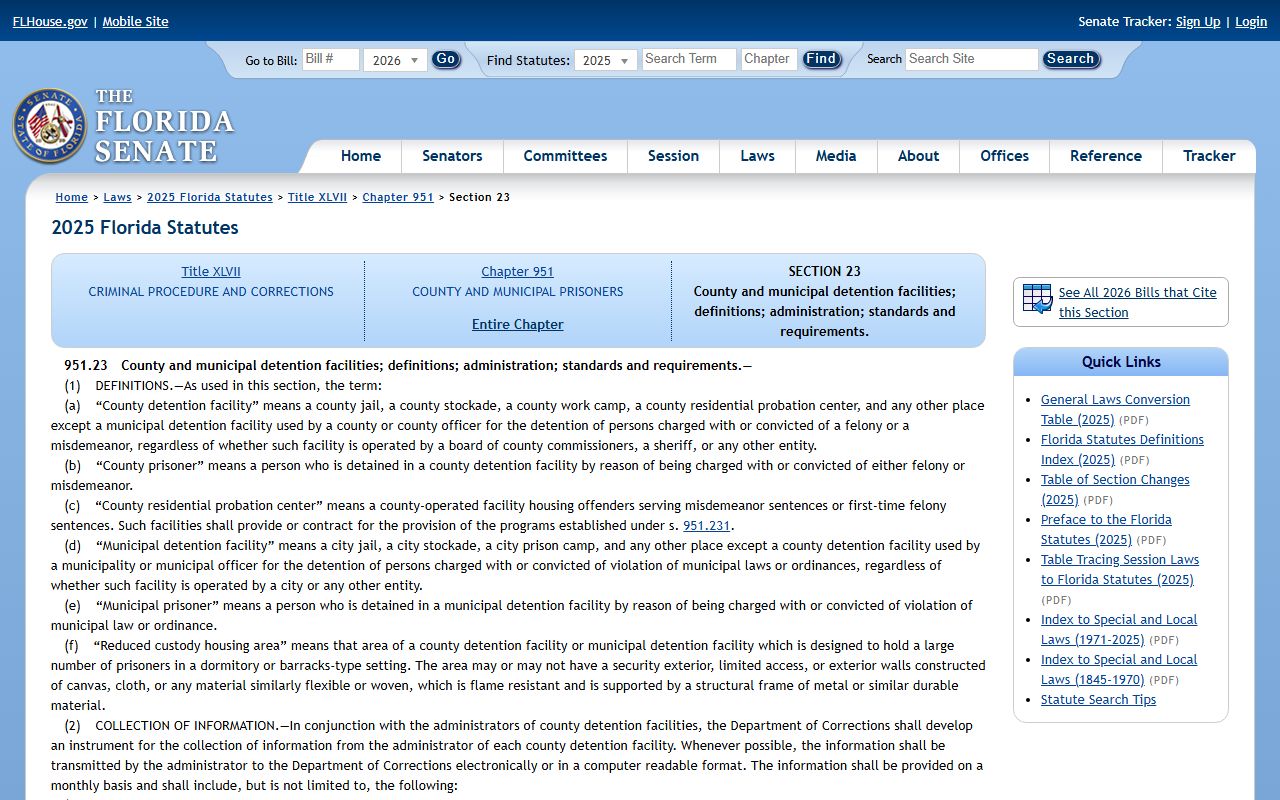
The statute screenshot supports the statewide point: jail operations are governed at a state level, while mugshot publication remains tied to local roster practice and public-records handling.
Records distinction: a jail mugshot is a booking record; it is not proof of conviction, sentence, or current custody.
Find Florida Booking Photos
The best first step is to locate the county, not the photo. Florida has 67 county folders in the statewide roll-up, and the research found no uncovered county jail layer caused by missing county coverage. Because local agencies control their own rosters, a statewide search should route down to the booking county, then back up to FDC, BOP, ICE, VINELink, or the courts when the custody trail changes.
- Identify the county that booked or currently holds the person.
- Open the county from the Florida County Directory.
- Search the county jail roster by name, booking number, or other available field.
- Open the matching profile and check whether a booking photo is displayed.
- If no image appears, request the booking photo from the sheriff, county corrections department, or public-records custodian.
- If the person has moved from jail, search FDC, BOP, ICE, VINELink, or court records as the custody type requires.
A county jail booking profile can be narrow or detailed. It may show the photo, full name, local identifier, booking date, charges, bond, hold, status, or housing information. Charge text on the jail roster can differ from the formal charges that later appear in court. For that reason, a mugshot search should be paired with court records after a jail arrest when the legal outcome matters.
| Roster field | What it may show | Why it matters |
|---|---|---|
| Booking photo | The county intake image if the county publishes it. | Confirms the record visually, but does not prove guilt. |
| Name and identifiers | Name, alias, booking number, jail number, or other local ID. | Helps avoid false matches on common names. |
| Booking date | When the person entered the county jail system. | Shows whether the record is tied to the current arrest event. |
| Charges | Booking charges or local charge labels. | May differ from prosecutor-filed court charges. |
| Bond or status | Bond amount, hold, release status, or next custody indicator. | Shows why a person may remain in custody. |
| Facility | The jail building or corrections unit when published. | Directs visits, mail, phone, and records requests. |
Note: if a county roster removes released people, the booking photo may require a local public-records request instead of an online lookup.
State Prison Photo Differences
FDC records should not be treated as county jail mugshots. The FDC inmate population database covers felony offenders sentenced to the Department of Corrections, including state prison and state supervision records. FDC search does not include county jail, county probation, or other local supervision records. A person arrested this morning may not appear in FDC at all unless the person is already under a relevant state corrections record.
The FDC Inmate Population Information Search includes photo display options, including showing only offenders that have photos.
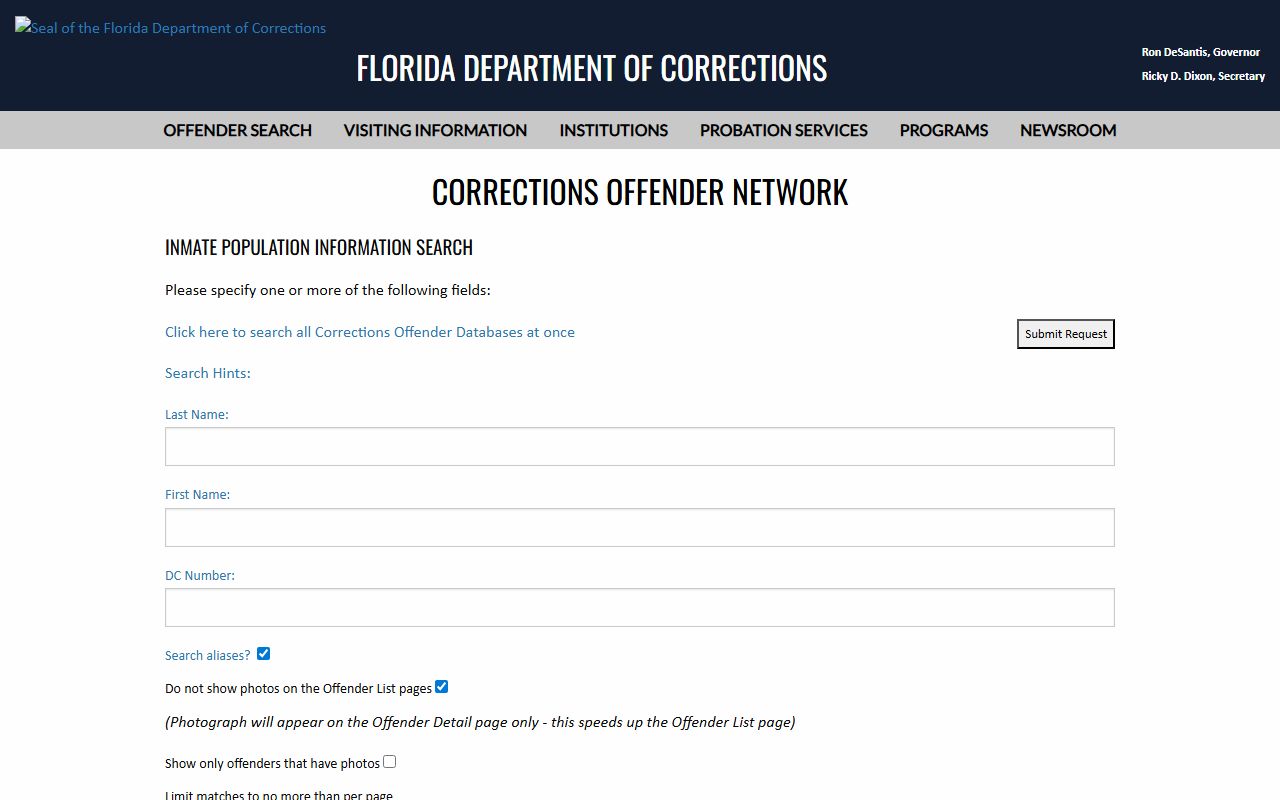
The FDC search screenshot helps separate state-prison profile images from county booking photos taken during local jail intake.
| Record type | Agency source | Photo meaning |
|---|---|---|
| County booking photo | County sheriff or county corrections department | Photo tied to jail intake for a local booking event. |
| FDC offender image | Florida Department of Corrections | Photo tied to a sentenced state prisoner or state corrections record. |
| Federal custody record | BOP or federal agency | Federal locator data, not a Florida county mugshot gallery. |
| ICE detention record | ICE ODLS or detention facility | Immigration detention search, not a county booking-photo source. |
| VINELink record | Florida VINE / VINELink | Status and notification information, not a full mugshot archive. |
The higher-level FDC Corrections Offender Network menu shows that FDC separates current inmate, release, escape, supervised population, and absconder searches.
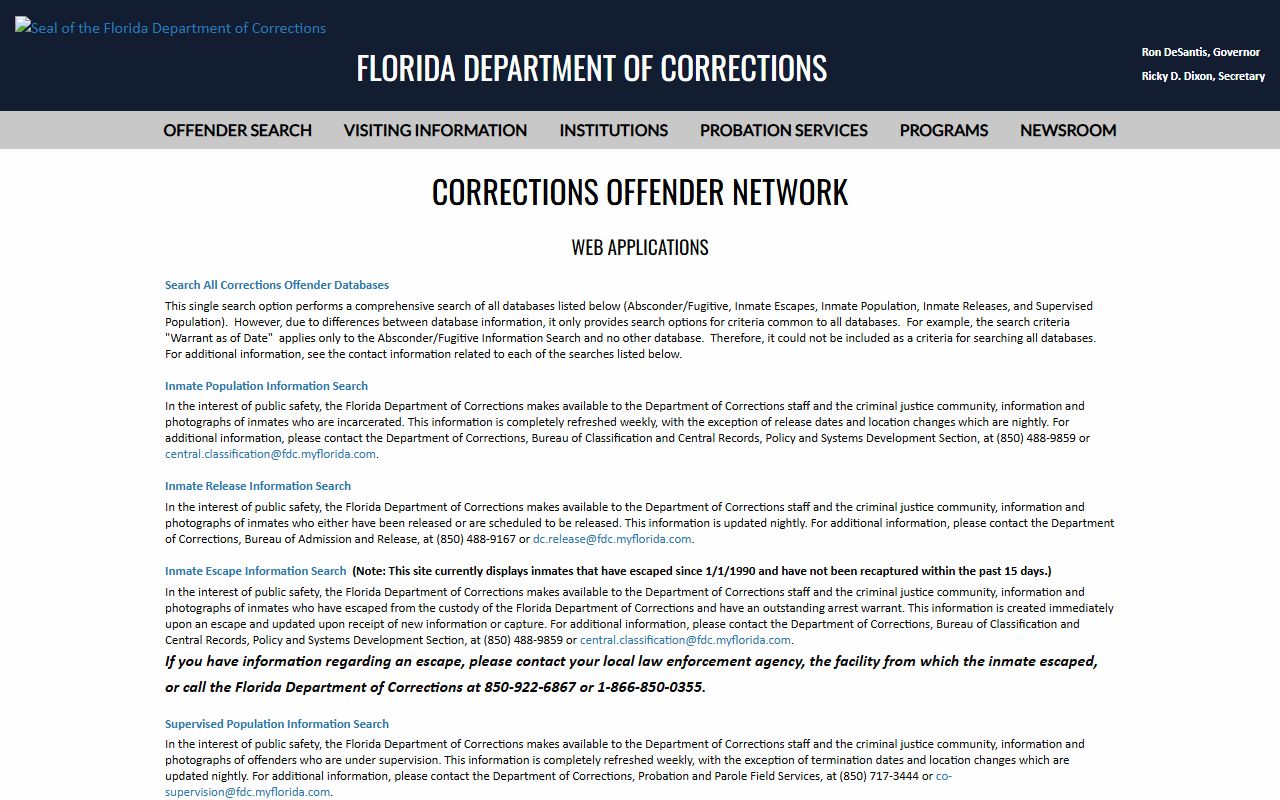
The menu screenshot reinforces that state corrections records have several data views and should not be used as a catch-all county mugshot search.
Florida Mugshot Public Records
Florida Statutes section 119.07 requires public-records custodians to permit inspection and copying of nonexempt public records at reasonable times, under reasonable conditions, and under custodian supervision. Booking photos can be public records, but public access is not unlimited. Sealed or expunged records, juvenile information, victim information, active investigative material, confidential health or security information, certain images, protected addresses, and other statutory categories can affect release or online display.
Use the agency that holds the record. County mugshots should be requested from the county jail, county sheriff, county corrections department, or local records custodian. State prison records should be requested from FDC. Court orders tied to sealing, expungement, dismissal, or case status should be checked through the county clerk that handled the criminal case.
Public access limit: if a Florida custodian withholds a booking photo, ask for the specific exemption or legal basis.
The FDC Public Records Center is the official public-records portal for Florida Department of Corrections material.
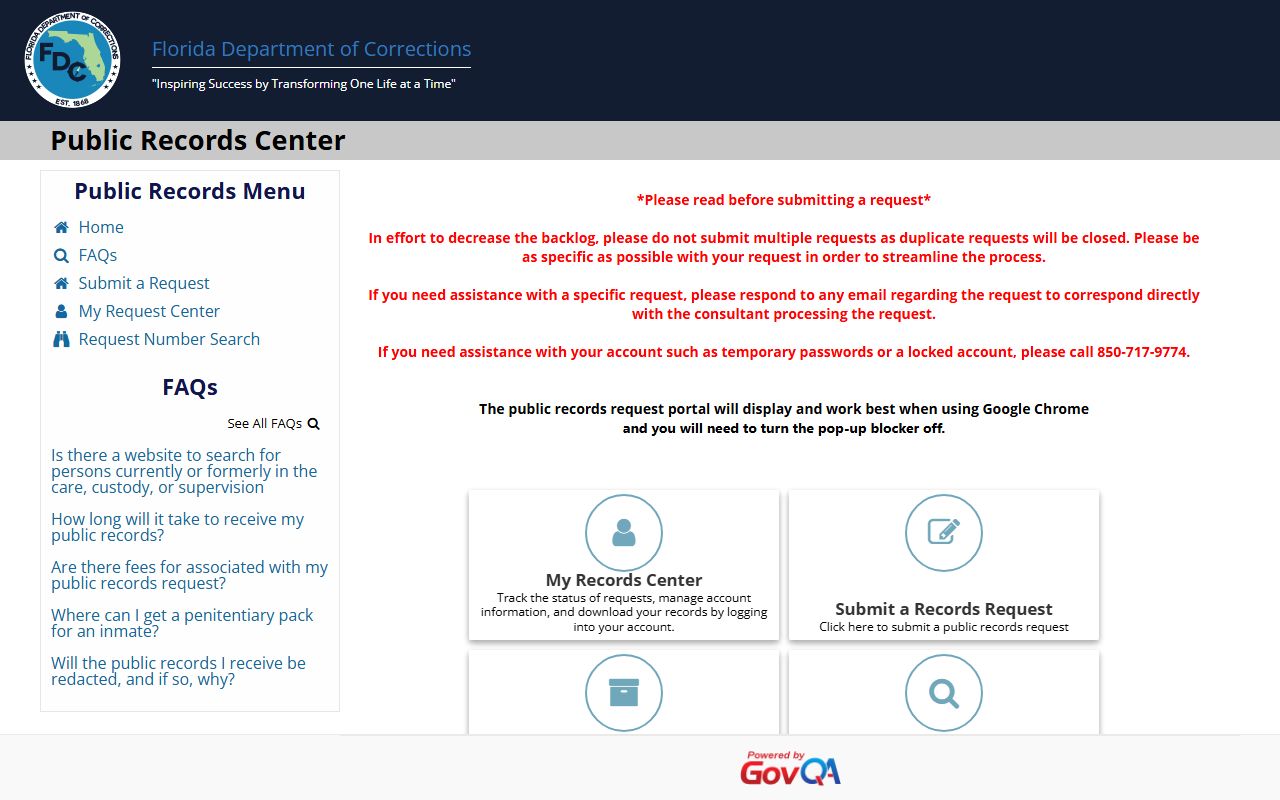
The portal screenshot keeps FDC record requests separate from county booking-photo requests, which belong with the local custodian.
- Write the person's full name and add date of birth, booking number, or case number if known.
- Name the requested record as a booking photo, mugshot, booking record, jail log, or related intake record.
- Give the date range and county or facility where the booking occurred.
- Ask for an electronic copy when possible.
- Request the exemption citation if the image or part of the record is withheld.
Removed or Restricted Mugshots
A booking photo may disappear from a roster for many reasons. The person may have been released, moved to another facility, transferred to FDC, transferred to federal or immigration custody, entered a juvenile or restricted process, or had a record sealed, expunged, or otherwise limited by law. A missing photo does not prove that no arrest occurred. It also does not prove that the person remains in custody.
Florida court and custody systems should be checked in sequence. Use the county roster for the booking event, the county clerk for the criminal case, FDC for a state prison or state supervision record, BOP for federal custody, ICE for immigration detention, and VINELink for notification. Do not rely on commercial mugshot sites for removal promises or legal status. The research rules for this site do not endorse pay-to-remove publishers.
| Situation | Likely record path | Photo expectation |
|---|---|---|
| Active county jail custody | County jail roster and local records custodian | Photo may appear if the county publishes it. |
| Released from county jail | County records request and court docket | Online photo may be removed while the record remains requestable. |
| Transferred to FDC | FDC offender search and records center | FDC image, if present, is not the county booking photo. |
| Federal custody | BOP locator or federal records process | BOP locator is not a Florida mugshot archive. |
| Sealed or expunged matter | County clerk and responsible custodians | Access may be restricted by court order or statute. |
For a broader custody record lookup, use Florida inmate records. For the court side of a booking, use court records after a jail arrest.
Notifications After Booking
A mugshot search often starts because someone needs to know whether a person is still in custody. Florida VINELink helps with that narrower job. The statewide research describes Florida VINE as a free, secure, confidential way to access custody status and criminal case information, find state-approved service providers, and register for notifications. Local Florida VINE pages also describe web registration through VINELink or phone registration through 1-877-846-3435, with registration optional and anonymous but required for automatic notifications.
The Florida VINELink page is the statewide custody and case notification access point identified in the research.
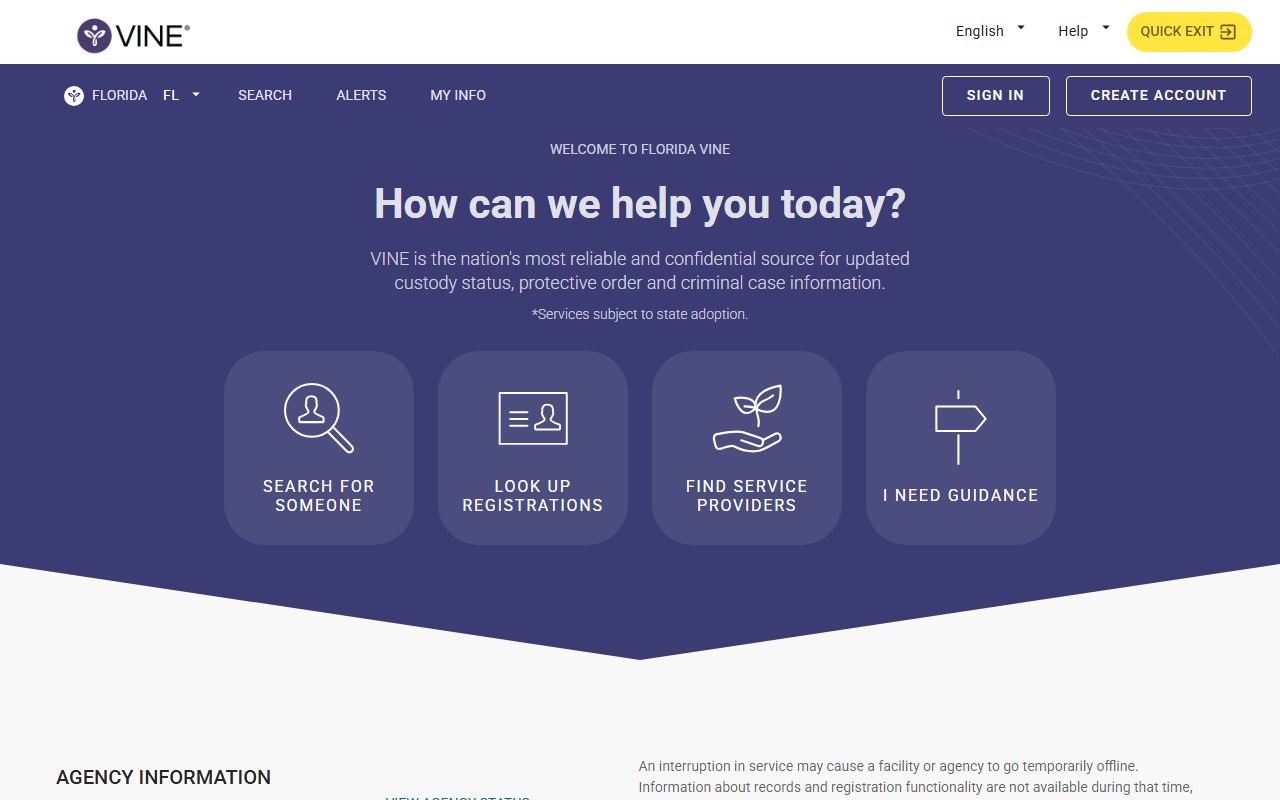
The VINELink screenshot shows why notification tools belong beside roster and court checks, while still staying separate from booking-photo records.
VINELink is not a complete booking-photo archive. It can help with release, transfer, escape, death, custody status, and case notifications. Detailed jail charges, booking-photo requests, bond information, and court outcomes still belong with the county jail, the public-records custodian, or the clerk of court. FDC sentence and prison status belong with FDC.
- Booking photo
- The image taken during local jail intake, sometimes called a mugshot.
- Roster
- A county jail's public list or search page for current or recent inmate records.
- Expungement
- A court-related process that can restrict access to certain criminal record information.
- Notification
- An alert about custody or case status, which is different from a full records search.
Note: a booking photo should be read with the roster, court record, and current custody source, not in isolation.